
GTA San Andreas Not Installing on Android? Proper Fix and Tips
Many players face issues when installing the GTA San Andreas mod APK on Android. Also, if you are facing issues while installing on Android, you don’t need to worry. We will provide proper fixes for GTA SA for Android.
Let’s troubleshoot common issues with easy steps and also cover tips and tricks for an enhanced gameplay experience.
Common Issues and How to Fix One by One
Here are all the common issues that plague many players. Let’s fix all these one by one with a few simple and easy steps
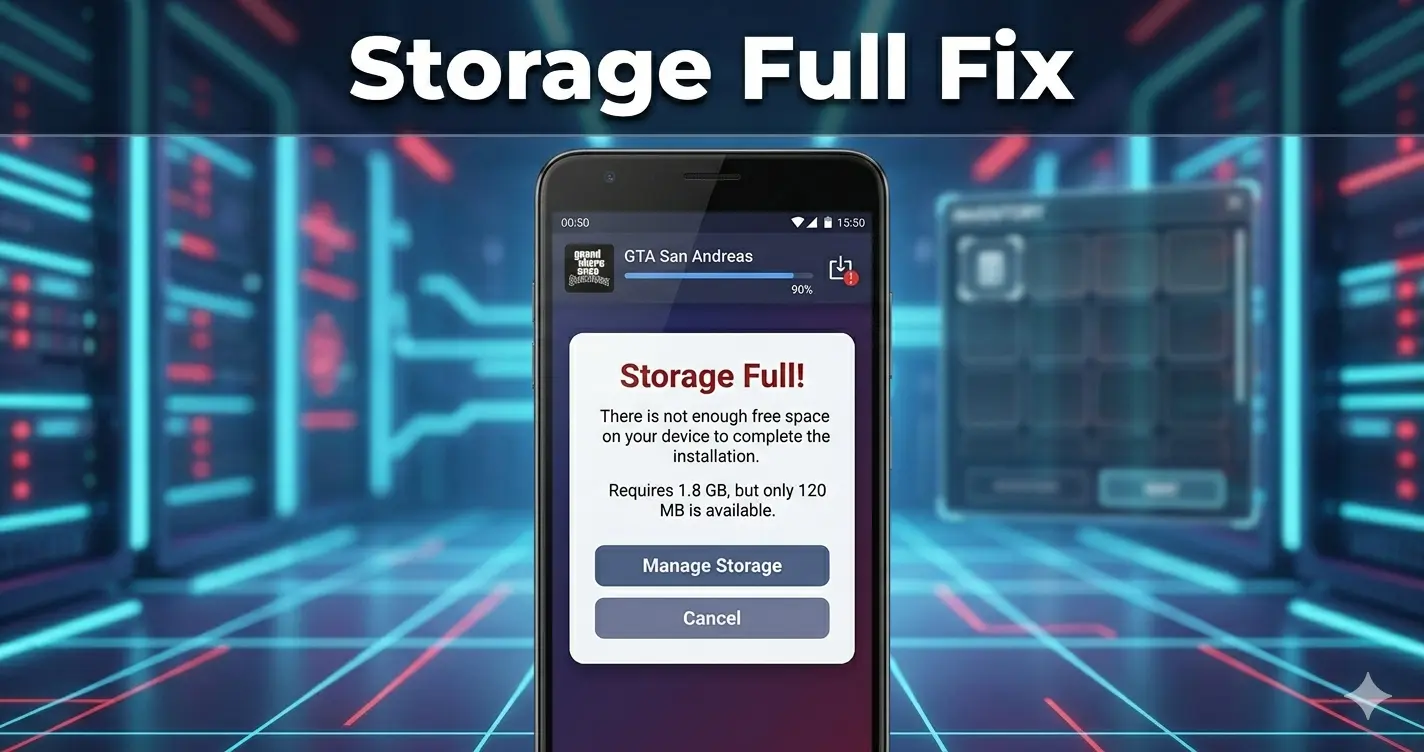
Low Storage Space
To install the latest version of the GTA San Andreas mod apk requires approximately 2.5GB of free space. So make sure your devices have at least 2.5 GB of free space. If your device does not have the required space, clear the cache and delete unnecessary files and apps.
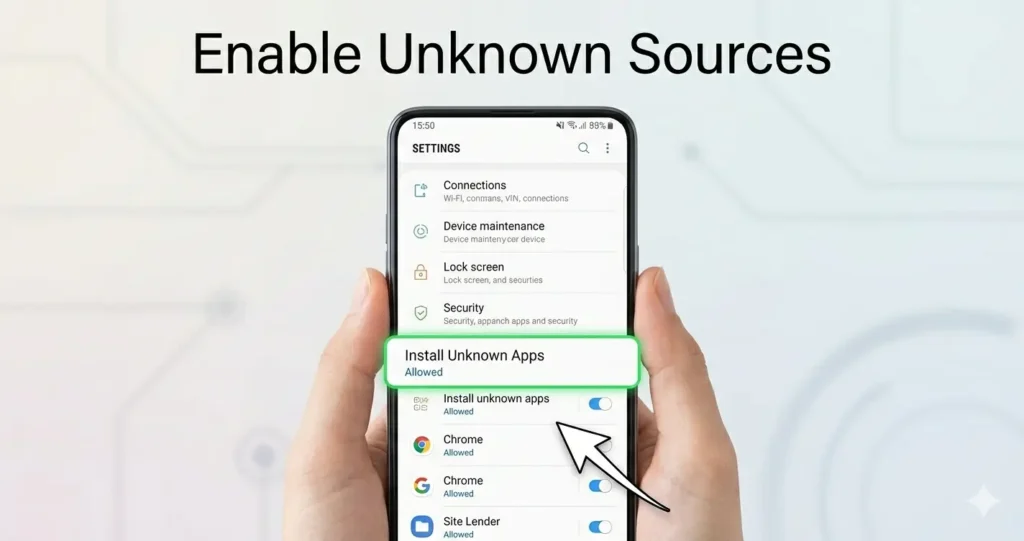
Unknown Sources disable
The Android system blocks apps from unknown sources by default. Go to the device settings, open security and enable install unknown apps.
Outdated version
Old versions are not competitive with the new Android versions. If you won’t face issues, always download the latest version of gta san andread mod apk
Note: Always download the APK file from a reliable source. Here is a trusted source that provides the latest version of GTA San Andreas mod apk.
Missing OBB Files
If you are installing the APK file manually, you must install the OBB file correctly before installing the APK file. But if you are getting the file directly from a trusted source, you don’t need to get the OBB file.
Make sure:
OBB folder is placed in:
Android/obb/com.rockstargames.gtasa
Disable Play Protect
It should be off to install the APK file. You can disable it by following these steps:
- Open Play Store
- Access Menu
- Go to Play Protect
- Open Settings
- Turn Off Scanning
Poor internet connection
Sometimes, a weak internet connection causes a big issue during installation, and the file will not be prepared properly for the GTA SA APK, so make sure the connection is stable.
Disable VPN
If you are using any type of vpn, the file may not work properly. Turned off the vpn and cleaned the cache.
Restart Your Device
After implementing all these steps, restart your device and install the new file. Congrats! All done properly and now enjoy the game with smooth gameplay.
Useful tips and tricks
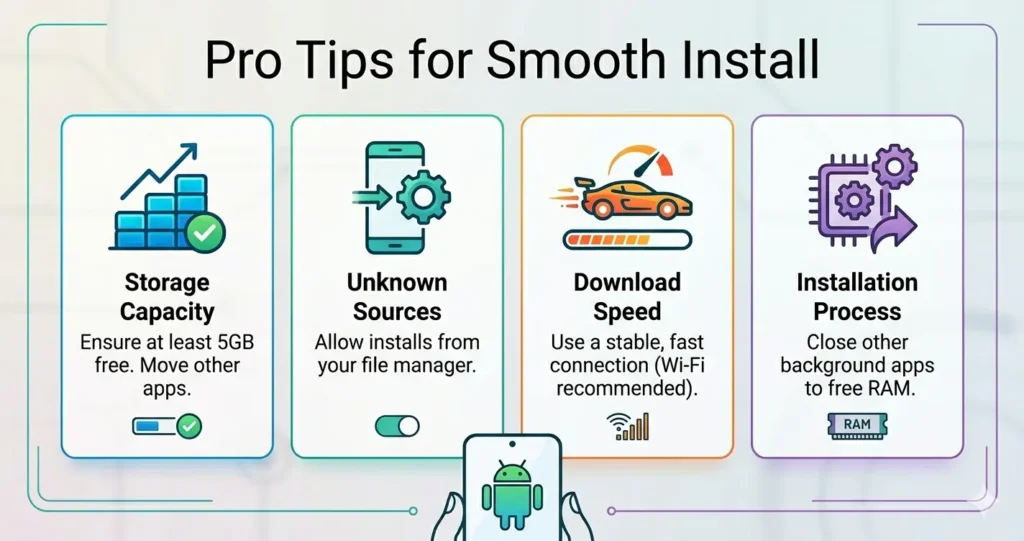
Here are some pro tips that works actualy to install the GTA SA APK file.
- Always use an updated APK
- Avoid installing from unknown sites
- Check device compatibility
Common Mistakes to Avoid
Mostly, players ignore these common mistakes that cause issues during installation.
- Unstable internet connection
- Incomplete download
- Low storage
Frequently Asked Questions
Conclusion
To conclude, if the GTA San Andreas mod APK is not installing on Android, PC, or iOS, you can follow all the easy steps that we have covered above. Let’s play the game by applying the solution steps without any issues.
Also, you can read: GTA San Andreas all missions list